
Create Your 1win Account and Start Playing Today
Signing up on 1win gives you access to hundreds of casino games and a full sportsbook, all in one place. The registration process takes only a few minutes, and once your account is active, you can place bets, spin slots, and manage your funds immediately. Your account security is protected through a straightforward verification process that also ensures your withdrawals are processed without delay. New users in India can claim a welcome bonus of 500% up to 45,000 INR after completing the sign up, giving you a strong start across both casino and sports betting.
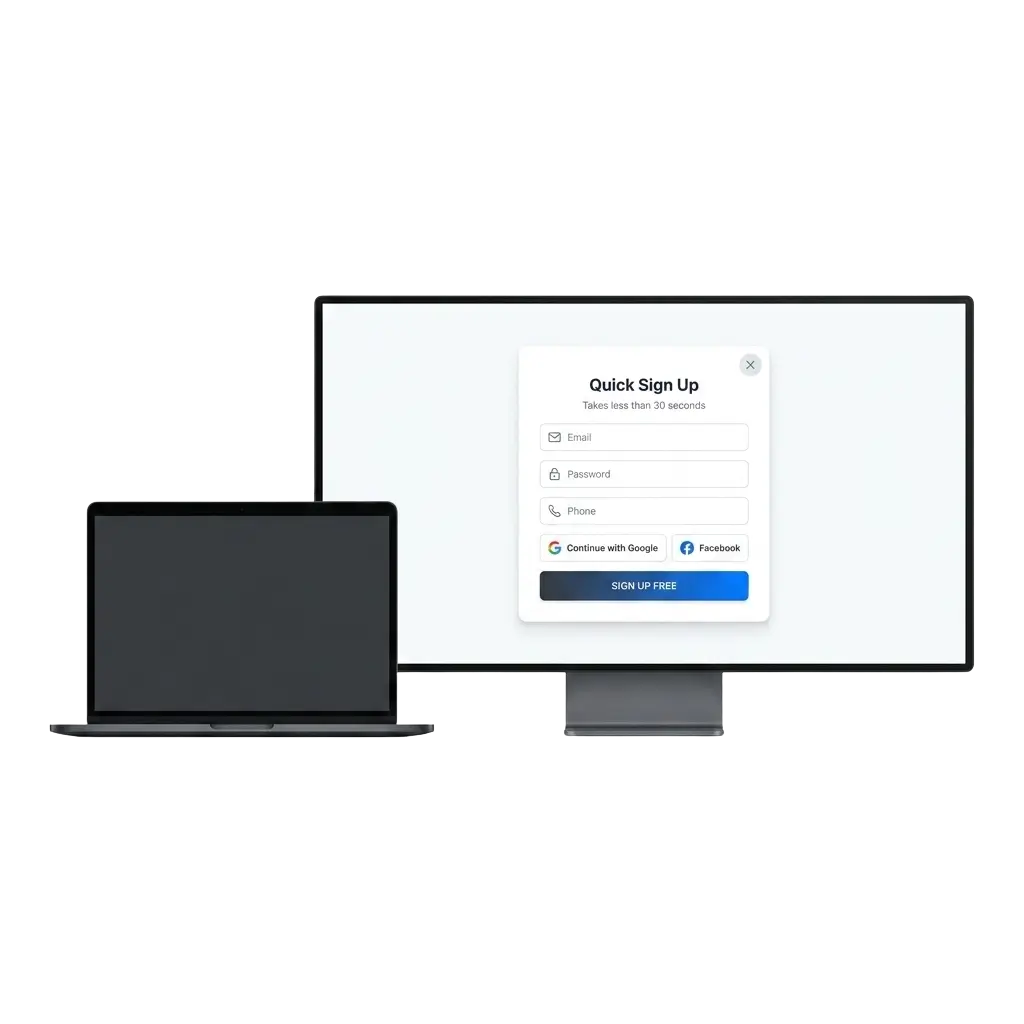
How to Complete the 1win Sign Up in Minutes
Creating a new account on the platform is fast and requires only basic details. Follow the steps below to get started.
Click the Registration Button
Use the button on this page to open the official sign up form directly.
Choose Your Registration Method
You can register using your phone number, email address, or a social media account. Select the option that suits you best.
Fill in Your Details
Enter the required information in the registration form, including your chosen currency (INR is available) and a secure password.
Confirm Your Account
Check your phone or email for a confirmation code or link, then complete the verification step to activate your account.
Log In and Access Your Account
Once your account is confirmed, use your credentials to sign in and begin exploring the platform.
1win Registration via the Mobile App
The mobile app registration follows the same process as the website, but everything is optimised for your phone screen. If you have already downloaded the app, use the steps below to create your account directly from your device.
- Open the App: Launch the 1win app on your Android or iOS device and tap the registration button on the home screen.
- Select a Sign Up Method: Choose from phone number, email address, or social media login. All methods are available within the app.
- Enter Your Information: Fill in your personal details, select INR as your currency, and set a secure password.
- Confirm Your Registration: Enter the confirmation code sent to your phone or email to activate your account.
- Start Using Your Account: Once confirmed, you can log in, deposit funds, and access all features directly from the app.
Requirements You Must Meet Before Registering
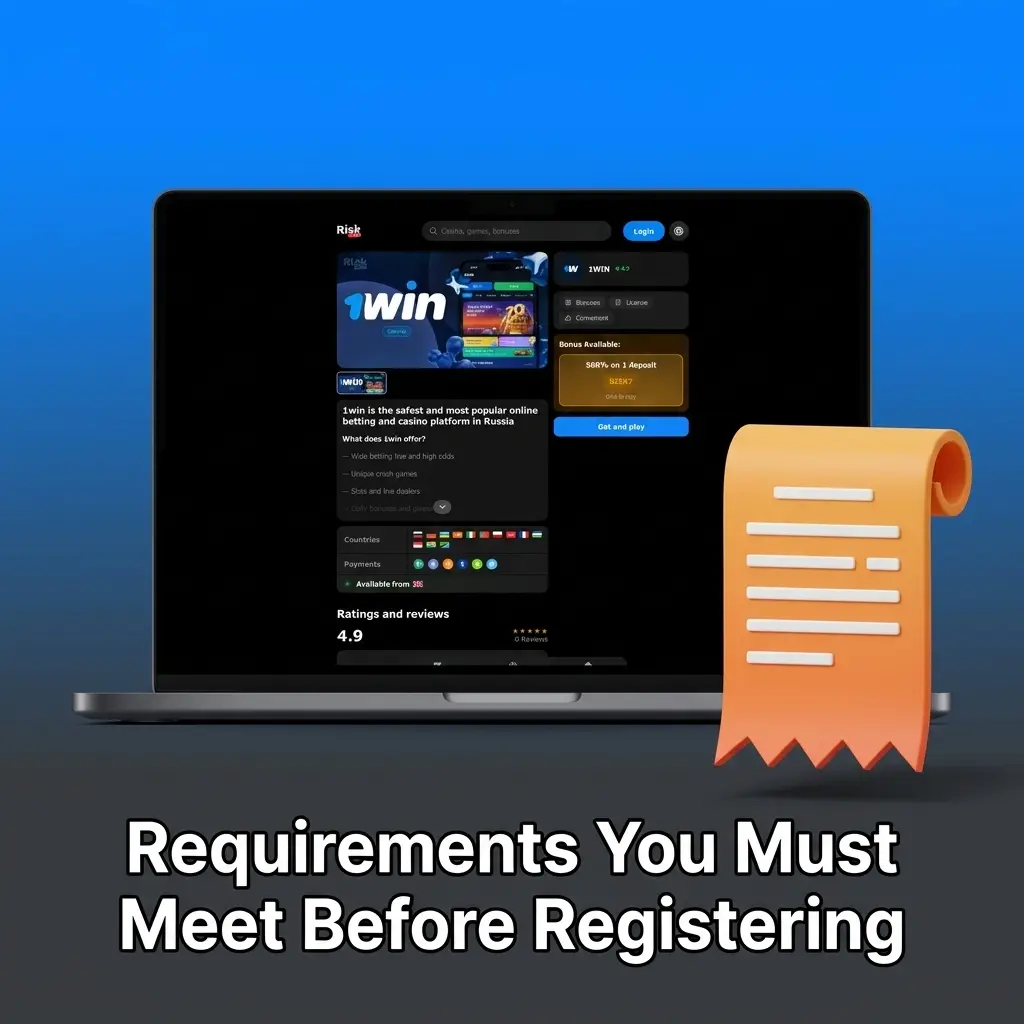
Before you create an account, there are a few conditions you need to meet. These requirements exist to protect both users and the platform, and to comply with responsible gambling standards. All users must agree to the platform’s terms and conditions during the registration process. Only one account is permitted per person, and duplicate accounts may be closed.
- Age Requirement: You must be at least 18 years old to create an account and participate in any real-money activity on the platform.
- One Account Per User: Each person is allowed only one registered account. Creating multiple accounts is strictly prohibited.
- Accurate Personal Details: All information you provide during registration must be truthful and match your official identity documents.
- Document Readiness: You should have a valid government-issued ID available, as it will be required during the account verification stage.
- Responsible Gambling Acknowledgement: By registering, you confirm that you are gambling voluntarily and are aware of the risks associated with real-money gaming.
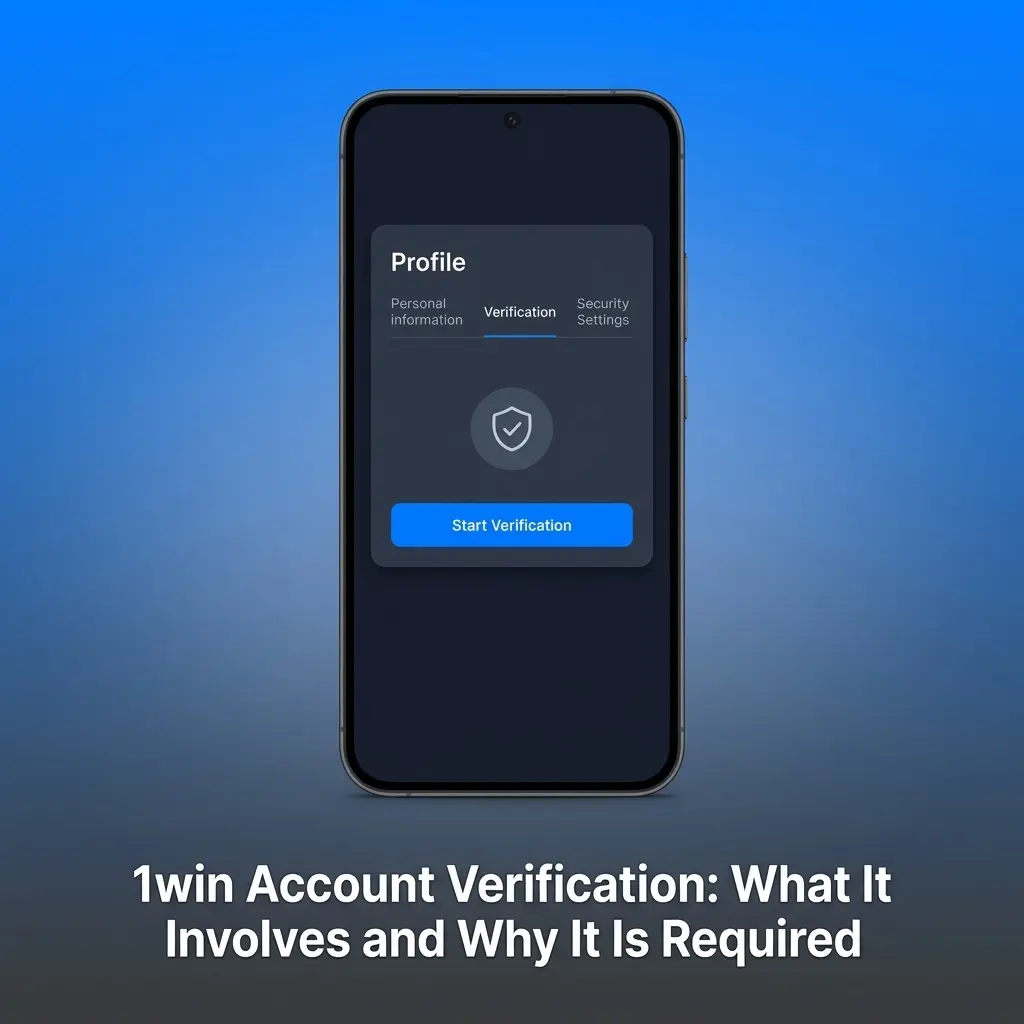
1win Account Verification: What It Involves and Why It Is Required
Account verification is a mandatory step that protects your funds and confirms your identity as a legitimate user. Completing the 1win account verification process allows you to make withdrawals, access higher deposit limits, and keeps your account secure against unauthorised access. For users in India, submitting accurate documents also ensures your transactions are processed without complications.
- Identity Verification: Upload a valid government-issued photo ID, such as an Aadhaar card, PAN card, or passport, through your account profile page on this site.
- Address Confirmation: Provide a document confirming your current residential address, such as a utility bill or bank statement issued within the last three months.
- Payment Method Verification: If requested, submit a photo or screenshot of the payment method you use for deposits and withdrawals to confirm ownership.
- Selfie or Liveness Check: In some cases, you may be asked to submit a selfie or short video to confirm that you are the person named on the submitted documents.
- Review and Approval: Once all documents are submitted, the verification team reviews your information. You will be notified through your registered email or account dashboard once approved.
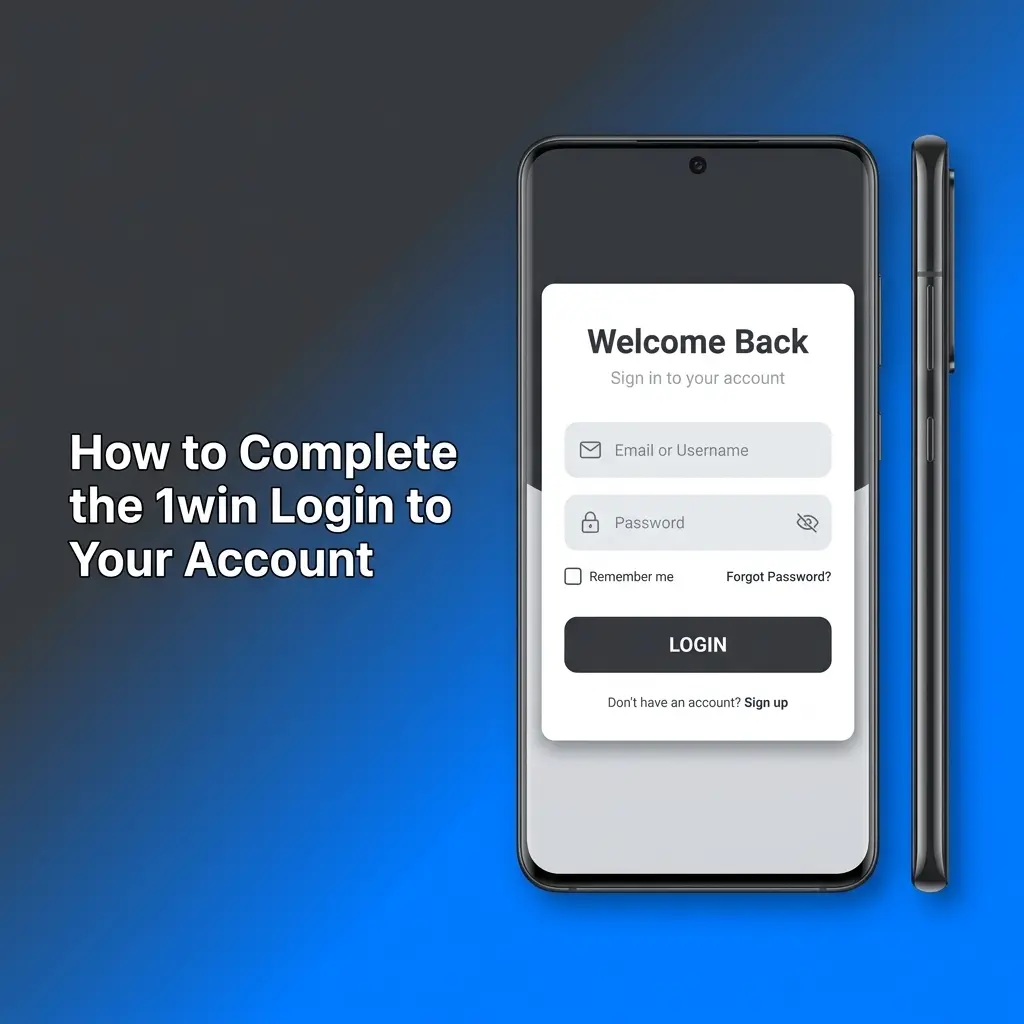
How to Complete the 1win Login to Your Account
Accessing your account takes only a few seconds once you are registered. Use the steps below to sign in and get back to your games or bets.
Open the Login Page
Click the login button on this page to go directly to the account sign in screen.
Enter Your Credentials
Type in the phone number or email address you registered with, along with your password.
Complete Two-Factor Authentication (If Enabled)
If you have set up two-factor authentication, enter the code sent to your phone or email to confirm your identity.
Access Your Account
Once your details are verified, you will be taken directly to your account dashboard where you can deposit, bet, or play.
Welcome Bonus Available After Your First Registration
After completing the sign up and making your first deposit, you are eligible for the welcome bonus offered on the platform. The bonus is structured to reward both casino players and sports bettors, giving you extra funds to use across both sections. Below is a breakdown of what you can receive.
| Bonus Type | Bonus Amount | Minimum Deposit | Wagering Requirement |
|---|---|---|---|
| Casino Welcome Bonus | 500% up to 45,000 INR | 300 INR | 35x |
| Sports Betting Bonus | 500% up to 45,000 INR | 300 INR | 5x |
The bonus is credited to your account after you make a qualifying deposit. Wagering requirements must be met before any bonus-derived winnings can be withdrawn. Always review the current bonus terms in your account before depositing.

Steps to Claim Your Welcome Bonus After Sign Up
Claiming your welcome bonus is a straightforward process that starts with completing your registration. Follow these steps to make sure the bonus is credited to your account.
Register Your Account
Use the registration button on this page to create a new account if you have not done so already.
Make a Qualifying Deposit
Navigate to the deposit section in your account dashboard and deposit at least the minimum required amount in INR to activate the bonus.
Select the Bonus Offer
During the deposit process, choose the welcome bonus option from the available promotions to ensure it is applied to your deposit.
Meet the Wagering Requirements
Use your bonus funds on eligible games or bets until the wagering conditions are fulfilled, after which your winnings become available for withdrawal.
Common Problems During Account Registration and How to Resolve Them
Most registration issues can be resolved quickly by checking your details or contacting the support team. Below are the most frequent problems users encounter, along with recommended solutions.
- Problem: Confirmation code not received | Solution: Check your spam or junk folder, or request a new code after a few minutes. If the problem continues, contact support through the help section on this site.
- Problem: Registration form not submitting | Solution: Ensure all required fields are filled in correctly and that you have a stable internet connection. Try refreshing the page or switching to a different browser.
- Problem: Phone number already in use | Solution: This may indicate an existing account linked to that number. Use the password recovery option or reach out to the support team to retrieve access.
- Problem: Country or currency not appearing in the form | Solution: Ensure your device is not using a VPN, as this can affect how the form loads. Contact support if INR or India is not displayed as an option.
- Problem: Account blocked after registration | Solution: This can occur if your details triggered a security review. Contact the customer support team directly through the official help channel on this site for assistance.
How to Recover Your Account Password
If you have forgotten your password, the recovery process is quick and can be done directly through the login page. Follow the steps below to regain access to your account.
- Go to the login page and click the “Forgot Password” link located below the password field.
- Select your preferred recovery method: you can reset via your registered email address or phone number.
- Enter your email or phone number in the field provided and submit the request.
- Check your inbox or SMS for the password reset link or verification code and follow the instructions provided.
- Create a new password, confirm it, and log in to your account using the updated credentials.
How to Delete Your Account When Needed
You may wish to close your account for personal reasons, including responsible gambling concerns or a decision to stop using the platform. Before deleting your account, ensure all pending withdrawals have been processed and your balance is at zero.
- Log in to your account and navigate to the account settings section in your profile.
- Look for the option to close or deactivate your account, or contact the customer support team through the official help channel on this site to submit a deletion request.
- Confirm your identity if prompted by providing your registered email, phone number, or a verification code.
- Once the request is reviewed and approved, you will receive a confirmation that your account has been permanently closed.

FAQ
How long does the 1win account verification process take?
Verification is usually completed within 24 to 48 hours after you submit all required documents. During busy periods, it may take slightly longer. You will receive a notification via email or your account dashboard once the review is complete.
Can I use the platform in India without completing verification?
You can register and deposit without immediate verification, but the full withdrawal of funds requires your account to be fully verified. It is advisable to complete the process shortly after registration to avoid any delays.
Is it safe to store my personal documents on the platform?
The platform uses encryption protocols to protect all uploaded documents and personal data. Your information is used solely for identity confirmation purposes and is not shared with third parties outside of regulatory requirements.
Can I change my registered phone number or email address after sign up?
Yes, you can update your contact details through the account settings section. In some cases, you may need to verify the new number or email address before the change takes effect. Contact support if you face any difficulty.
What payment methods are available for Indian users after registration?
After completing the sign up and verification, Indian users can deposit and withdraw using UPI, net banking, and various e-wallets. The available methods are displayed in the cashier section of your account dashboard.
Updated: