Instant Access to Betting and Casino Games
You can open the app, place a bet, or launch a casino game in under 30 seconds. No browser loading delays or redirects are involved.

500% up to 180,000₹
600% up to 45,000₹ - Crypto
The 1win application is available in Hindi, English, and several other languages. Indian players can legally download the APK for free and access sports betting, casino games, UPI, PayTM, PhonePE, GPay, Crypto, Visa, and Mastercard payments. New users receive a 500% welcome bonus up to 45,000 INR on a minimum deposit of 300 INR.
| Feature | Details |
|---|---|
| Developer | 1win |
| Size | ~45 MB (Android) / ~112 MB (iOS) |
| Downloads | 10,000,000+ |
| Licence | Free |
| Classification | +18 |
| Languages | Hindi, English, Portuguese, French |
| Latest Update | 2025 |
| Platform | Android, iOS |
| Download Options | APK, PWA, App Store |
The official 1win mobile app is available for both Android and iOS devices, giving Indian players full access to sports betting and casino games on the go. The table below covers every essential detail.
| Feature | Details |
|---|---|
| Year of Development | 2016 |
| Developer | 1win |
| Package Name | 1win.apk |
| Licence | Curaçao Gaming Licence 8048/JAZ |
| APK Size | ~45 MB |
| Supported Operating Systems | Android 5.0+, iOS 14.0+ |
| Cost | Free |
| Category | Sports Betting / Online Casino |
| Countries Available | 100+ countries, including India |
| Languages Supported | Hindi, English, Portuguese, French, and more |
| Currencies Supported | INR, USD, EUR, and 20+ others |
| Available in India | Yes |
The 1win APK download for Android takes under two minutes. The process is completely free, secure, and requires no prior technical knowledge. Follow these four steps to get started.
Tap the Download button on this page to begin saving the APK file to your Android device.
A prompt will appear on your screen. Confirm the download by tapping “OK” or “Download Anyway” to proceed.
Go to your device Settings, navigate to Security or Privacy, and enable “Install from Unknown Sources” for the browser you used to download the file. This is a one-time action required for all APK installations outside Google Play.
Open your device’s Downloads folder, locate the 1win APK file, and tap it. Follow the on-screen instructions to complete the installation.
The 1win Android app is free to download and gives you full access to sports betting and casino games from any location. Detailed installation steps are provided in the section above. The app is optimised for Android devices and delivers a fast, stable experience.
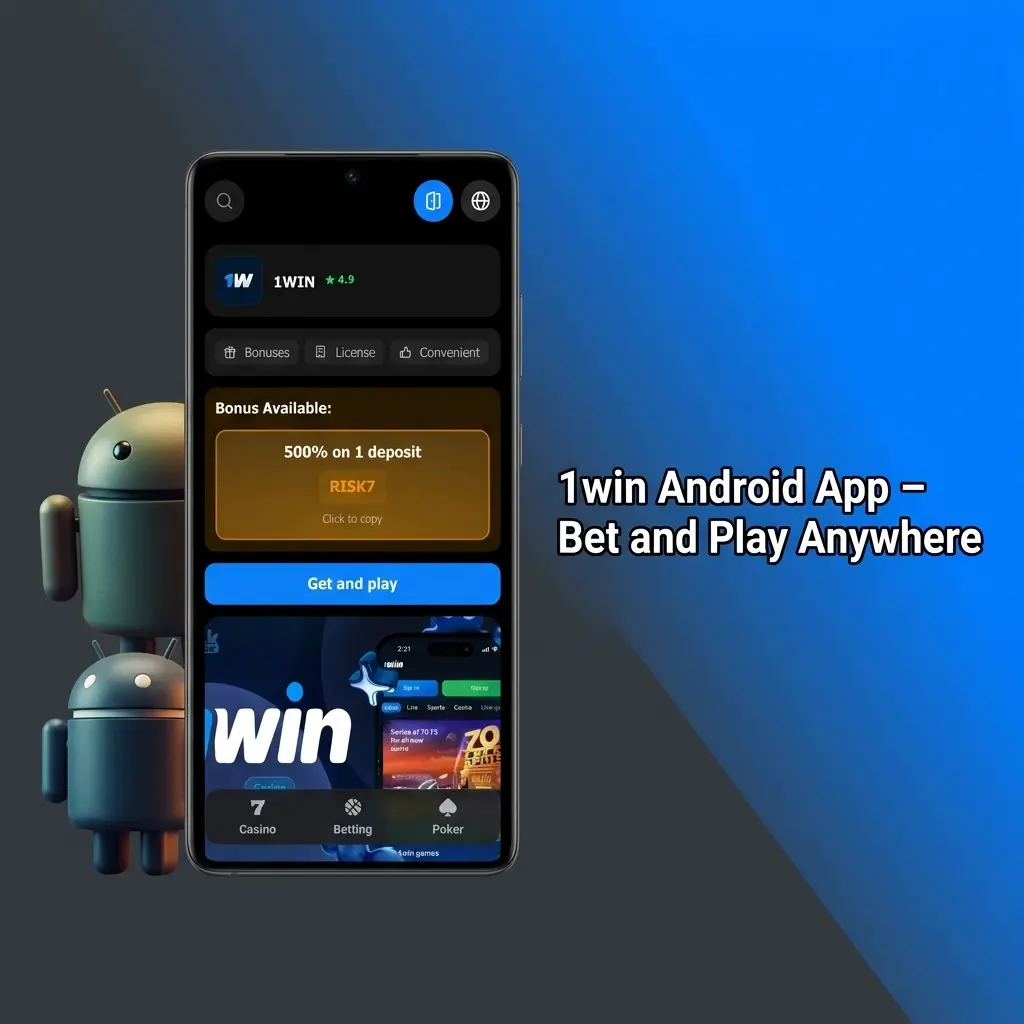
Before you install the app, confirm that your Android device meets the following minimum specifications.
| Requirement | Minimum Specification |
|---|---|
| Android Version | 5.0 (Lollipop) or higher |
| RAM | 1 GB |
| Free Storage Space | 100 MB |
| Processor | 1.2 GHz |
| Internet Connection | 3G / Wi-Fi |
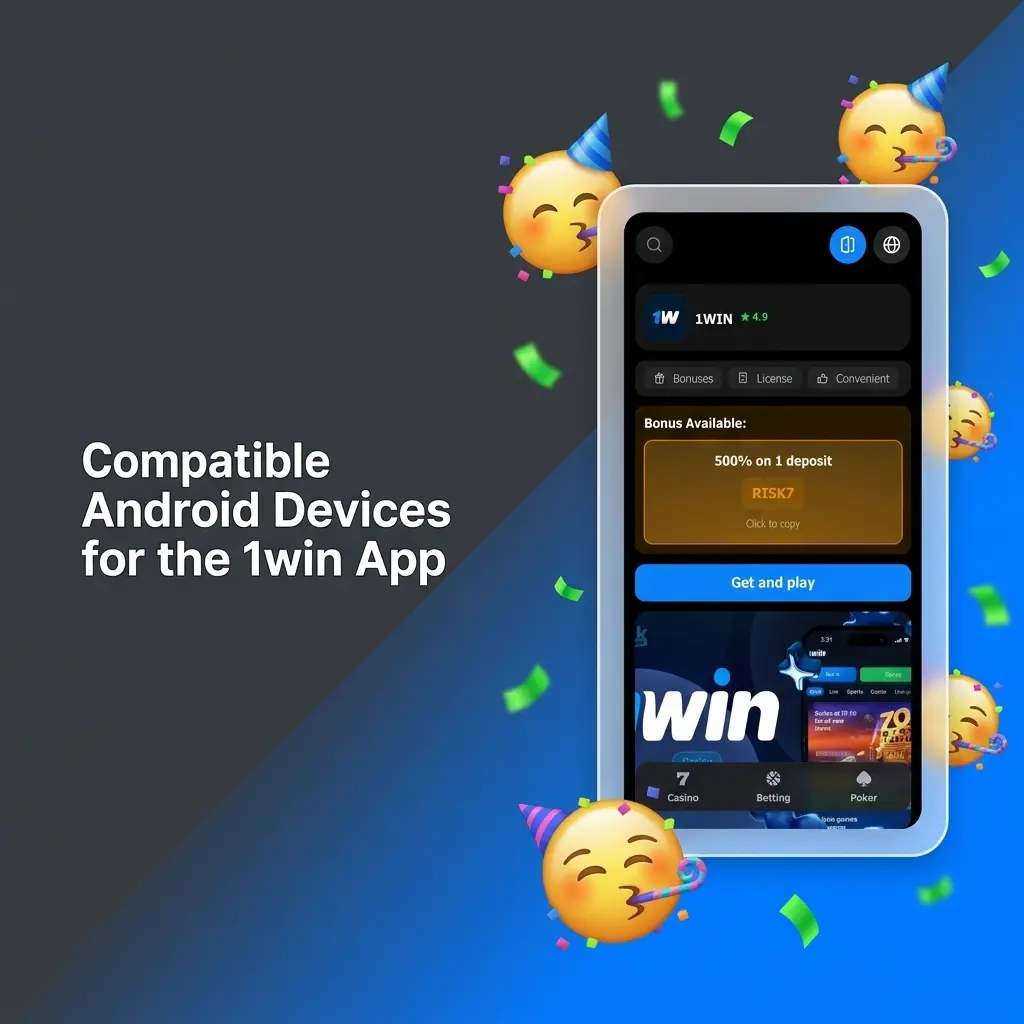
The 1win app runs without issues on a wide range of popular Android smartphones and tablets available in India. The following models are fully compatible:
Installing the 1win mobile app on your iPhone or iPad is a straightforward process that consists of five steps. Follow each step carefully to get started.
Tap the Download button on this page to be directed to the official App Store listing for the 1win iOS app.
You will be redirected to the App Store. Make sure you are signed in to your Apple ID before proceeding.
Tap the “Get” button on the App Store page. Face ID, Touch ID, or your Apple ID password may be required to confirm the download.
The app will download and install automatically. This typically takes under a minute, depending on your internet connection speed.
Once installed, tap the 1win icon on your home screen, log in to your existing account, or proceed to register a new one.
The 1win iOS app is available for both iPhone and iPad at no cost. It replicates the complete functionality of the desktop platform, including sports betting, live casino, and all payment options. The app requires a minimum of iOS 14.0 and approximately 112 MB of free storage. It is lightweight, fast to load, and performs reliably on supported devices.
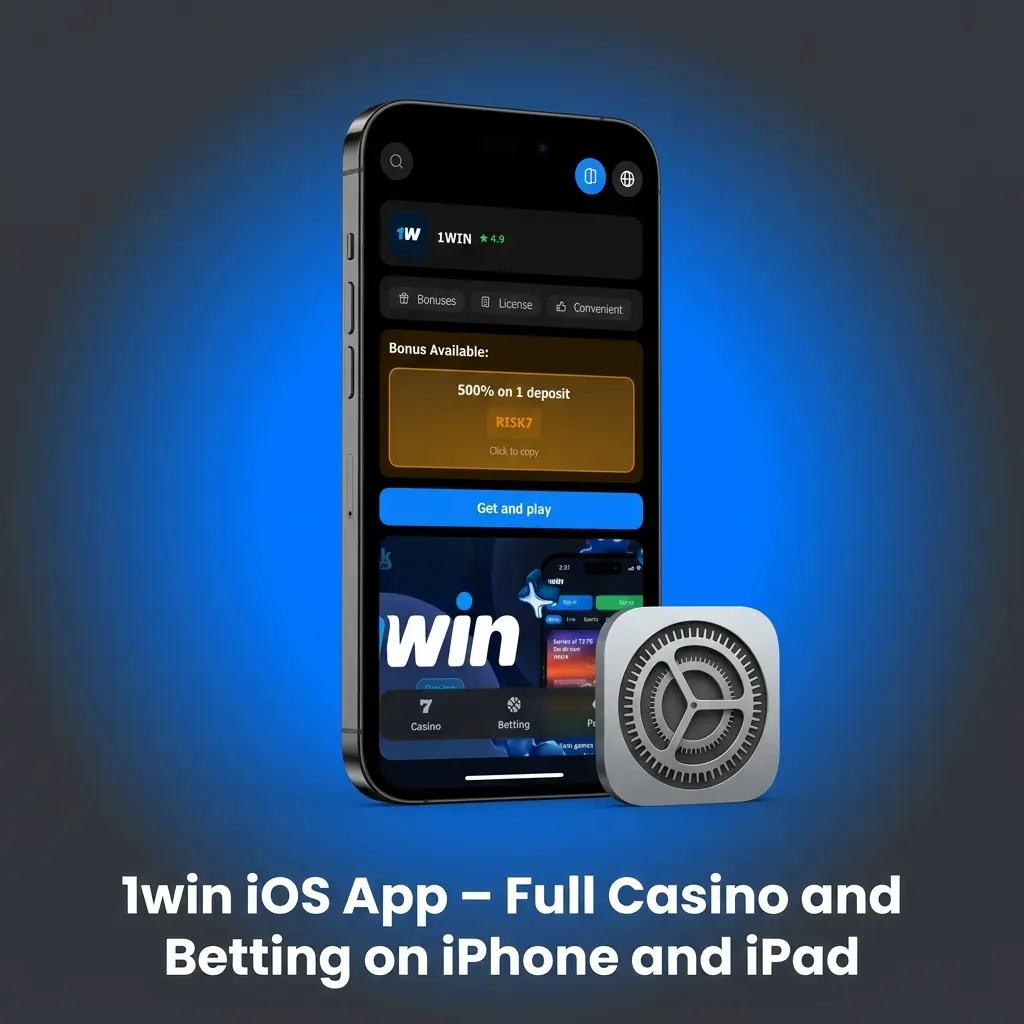
Check that your iOS device satisfies the minimum requirements listed below before installing the app.
| Requirement | Minimum Specification |
|---|---|
| iOS Version | 14.0 or higher |
| RAM | 2 GB |
| Free Storage Space | 112 MB |
| Processor | Apple A9 chip or higher |
| Internet Connection | 4G / Wi-Fi |
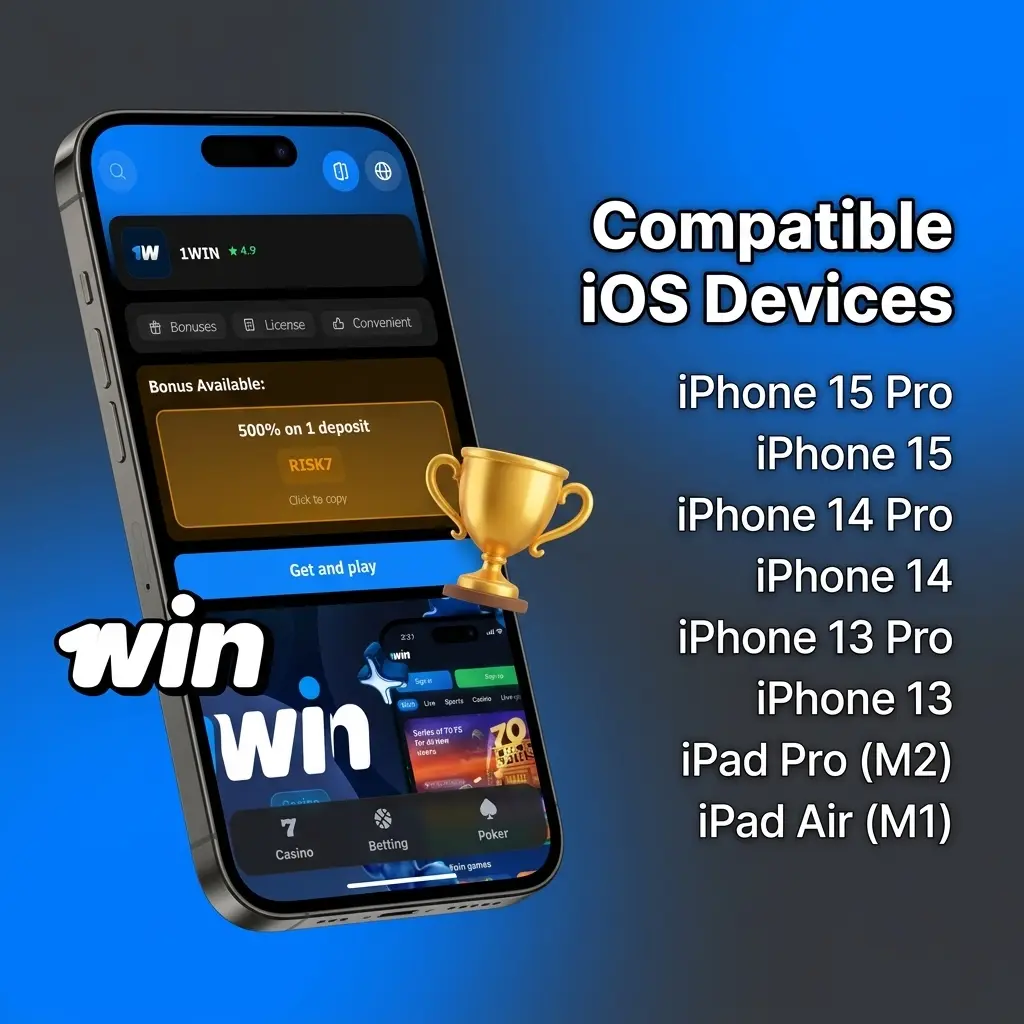
The 1win app for iPhone performs without issues across recent generations of Apple hardware. The following iPhone and iPad models are compatible:
The table below compares the previous and current versions of the 1win APK so you can see how the platform has improved over time.
| Feature | New Version | Old Version |
|---|---|---|
| App Size | ~45 MB (optimised) | ~60 MB |
| Loading Speed | Noticeably faster | Average |
| UI Design | Refreshed, cleaner layout | Basic layout |
| Live Streaming | Integrated in-app | Redirect to browser |
| Payment Methods | UPI, Crypto, Cards, Wallets | Limited options |
| Casino Game Library | 8,000+ titles | ~3,000 titles |
| Push Notifications | Available | Not available |
| Crash Rate | Significantly reduced | Occasional crashes |
| Dark Mode Support | Available | Not available |
| Security Protocol | SSL + 2FA support | SSL only |
Creating an account through the 1win mobile app is quick and open to users aged 18 and above. Follow these steps to complete your registration:
As soon as your account is created, you can make your first deposit and start placing bets or playing casino games immediately.
Keeping the app updated ensures you always have access to the latest features, security patches, and performance improvements.
For Android users:
For iOS users:
Updates address bugs, add new payment options, and improve overall platform stability.
New players who register through the 1win mobile app are eligible for a welcome bonus on their first deposit. You can choose between two options:
Sports Bonus: Receive a 500% bonus up to 45,000 INR on your first deposit. This is ideal if you plan to start with sports betting.
Casino Bonus: Receive a 500% bonus up to 45,000 INR, plus 70 free spins on selected slot titles.
To claim the bonus, select your preferred option during the registration process and make a minimum deposit of 300 INR. The bonus is credited to your account automatically once the deposit is confirmed.
Placing your first bet on the 1win betting app takes only a few minutes. Follow the steps below to get started:
Once the event concludes, any winnings are credited to your account balance. You can then withdraw your funds or continue placing bets.
The 1win mobile website is accessible on any smartphone or tablet through a standard browser, with no download required. It provides the same range of services found on the desktop platform, including sports betting, live casino, deposits, and withdrawals. The site adapts automatically to your screen size, making it a practical alternative for users who prefer not to install software.
The 1win mobile website covers nearly all the same features as the dedicated application, but many regular players prefer using the app for day-to-day betting and gaming.
| Feature | Application | Site |
|---|---|---|
| Download Required | Yes (APK or App Store) | No |
| Loading Speed | Faster | Slightly slower |
| Push Notifications | Yes | No |
| Offline Access to Settings | Yes | No |
| Home Screen Access | Yes (icon) | Requires browser |
| Data Usage | Lower (optimised) | Higher |
| Live Streaming | Integrated | Available |
| Payment Support | Full | Full |
| Stability on Weak Networks | Better | Variable |
The dedicated app offers clear advantages in speed, convenience, and reliability. It loads faster on mobile data, sends you bet settlement alerts via push notifications, and maintains a more stable connection during live betting and in-play casino sessions. For players in India who use their smartphones as their primary device, the app delivers a more consistent experience overall.
The 1win betting app covers an extensive range of sporting events across both LIVE and LINE modes. In LIVE mode, you can follow events as they unfold and place bets with updated odds. In LINE mode, you can bet on upcoming fixtures in advance. Bet types available include Single, Accumulator, and System bets.
Every major sport and eSport event is covered within the platform. Each discipline has its own dedicated page with team statistics, form guides, and historical data. Selected events also include live streaming, allowing you to watch the match directly inside the app.
Sports available for betting include:
The 1win casino app gives you access to a library of over 8,000 games directly from your mobile device. Popular live events and featured games are displayed on the home screen for quick access, and switching between sports betting and casino games requires only a single tap.
The casino section includes slots from leading developers such as Pragmatic Play, BGaming, and Evolution Gaming, as well as a full selection of table games including roulette, blackjack, baccarat, and poker. The live casino section features real dealers streaming in high definition.
Regular promotions, reload bonuses, and cashback offers are available exclusively within the casino section. You can claim these directly from the app without needing to visit the desktop site.
The 1win mobile app provides a range of practical advantages that make it the preferred choice for Indian players.
You can open the app, place a bet, or launch a casino game in under 30 seconds. No browser loading delays or redirects are involved.
All major Indian payment methods are supported directly within the app. Deposits are credited instantly, and most withdrawals are processed within minutes.
The app sends real-time alerts for bet settlements, score updates, and promotional offers, keeping you informed without needing to check the site manually.
The app operates under a Curaçao gaming licence and uses SSL encryption to protect your personal and financial data at all times.
Certain bonuses and promotional offers are made available to mobile app users first, giving you access to better deals than those available on the standard website.
The 1win application supports a wide variety of payment methods tailored specifically for Indian users. You can deposit and withdraw funds using any of the following options:
Deposits are credited to your account instantly once the payment is confirmed on your end. Most withdrawal methods are processed within 15 to 30 minutes. The minimum deposit amount is 300 INR, and the minimum withdrawal amount is 500 INR. All transactions are secured with SSL encryption.
Yes, downloading the 1win APK from the official website is completely safe. The platform holds a valid Curaçao gaming licence (8048/JAZ) and adheres to established industry regulations for fair play and responsible gambling. All data transmitted through the app is protected by SSL certificates and advanced encryption protocols, ensuring that your personal details and financial information remain secure at all times.
Yes. Your 1win account works across all platforms. You can log in on Android, iOS, and the desktop website using the same credentials without any restrictions.
Yes. Hindi is one of the primary languages supported in the 1win mobile app. You can switch the language from the settings menu at any time.
The app is optimised for mobile data usage. Standard betting and casino browsing consume very little data. Live streaming events use more data, so a Wi-Fi connection is recommended for extended streaming sessions.
The 1win APK is not listed on Google Play due to restrictions on gambling apps in India. You can download the latest version directly and safely from the official 1win website.
Yes. All bonuses available on the desktop platform, including the welcome bonus and ongoing promotions, are fully accessible through the mobile app.
Yes. A Progressive Web App (PWA) version is available for users who prefer not to install the APK. The PWA can be added to your home screen directly from your mobile browser.
First, check that your device meets the minimum system requirements. If the issue persists, clear the app cache, uninstall the current version, and download the latest APK from the official website.
Updated: